8. Resolve comments
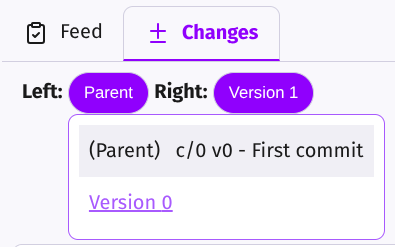
Below your Changes tab, you can select versions to compare how the commit evolved.

Click on parent and change it to Version 0. This way, Twigg shows only what you’ve changed since the last version.
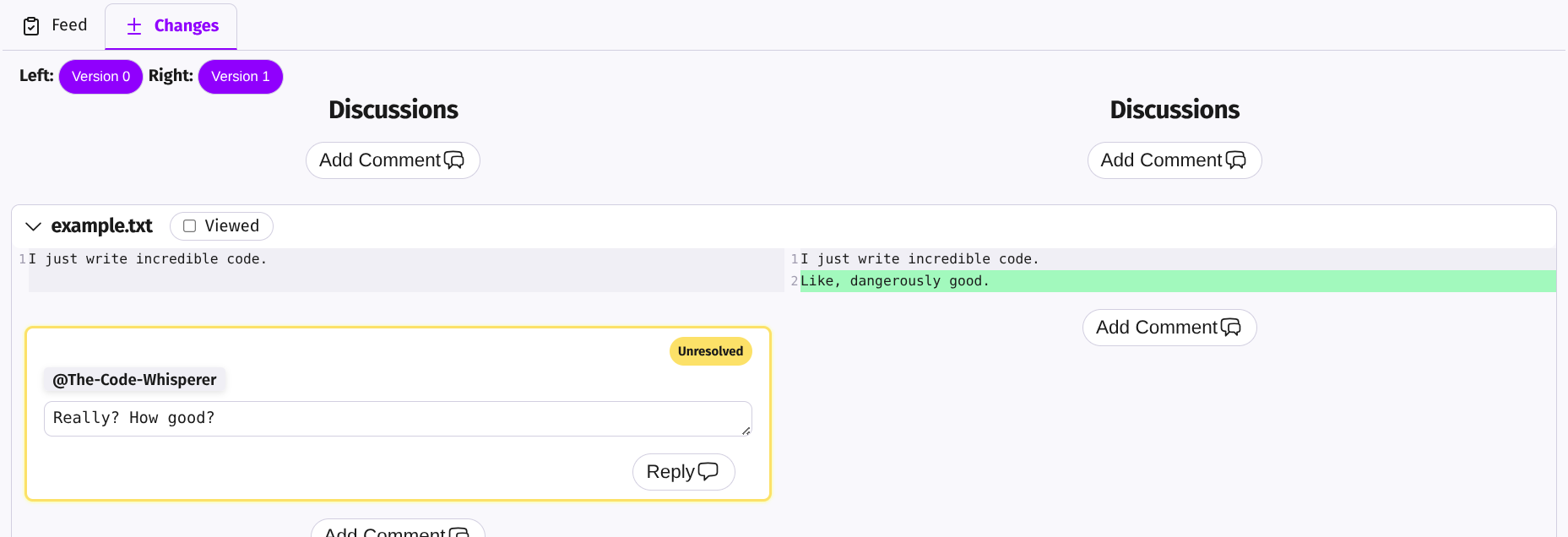
Click on example.txt to open it and you should see something like this:
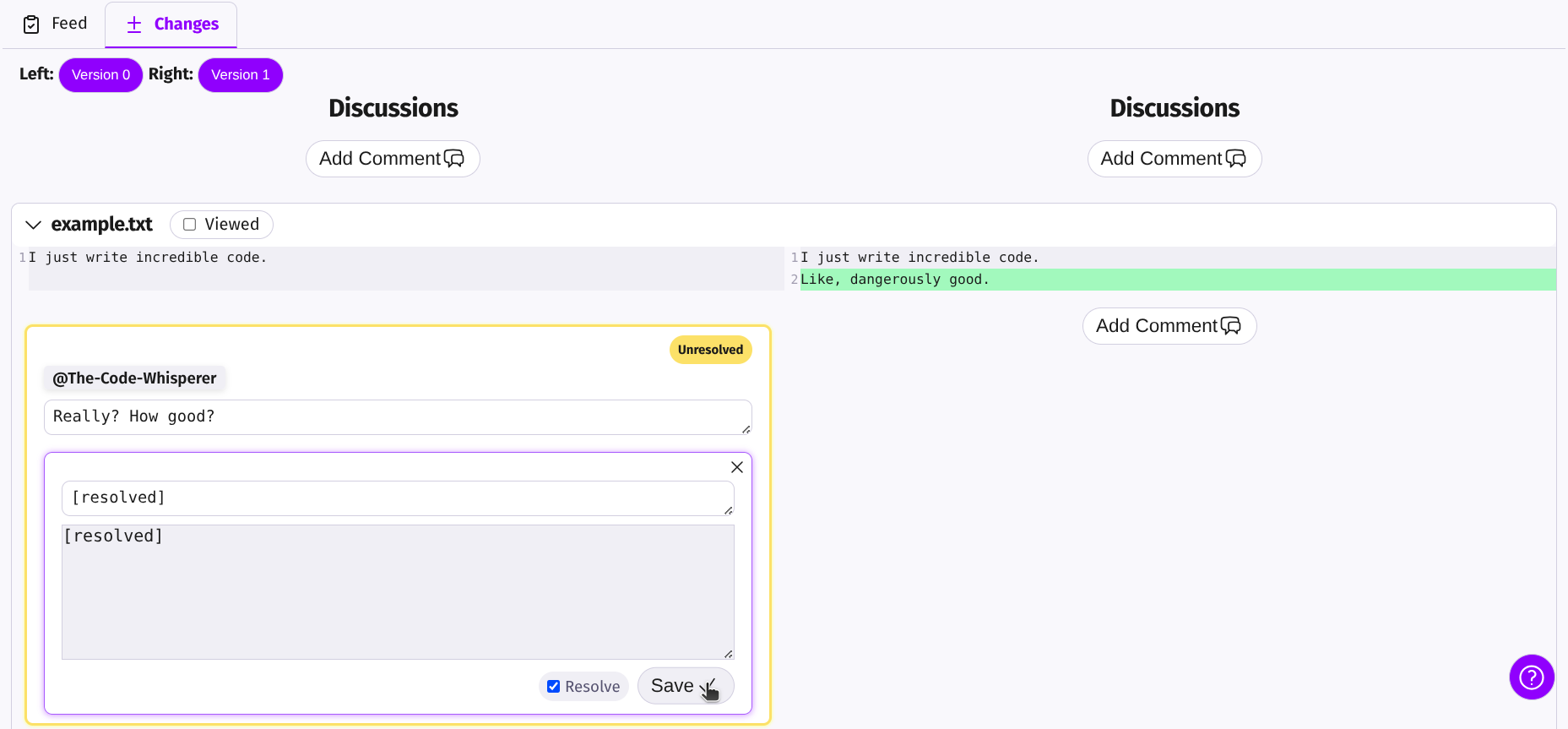
Since we fixed what was asked, we can resolve the comment:
(Reply → [x]Resolve → Save)